
Digishift Studio serves as the central administrative hub for managing your Digishift theme settings and exploring integrated features from a single, streamlined interface. This dashboard is designed to simplify the development workflow by providing quick access to core customization tools and support resources.
Core Management Modules #
The studio interface is divided into several high-level modules that allow you to customize and set up your site with minimal effort:
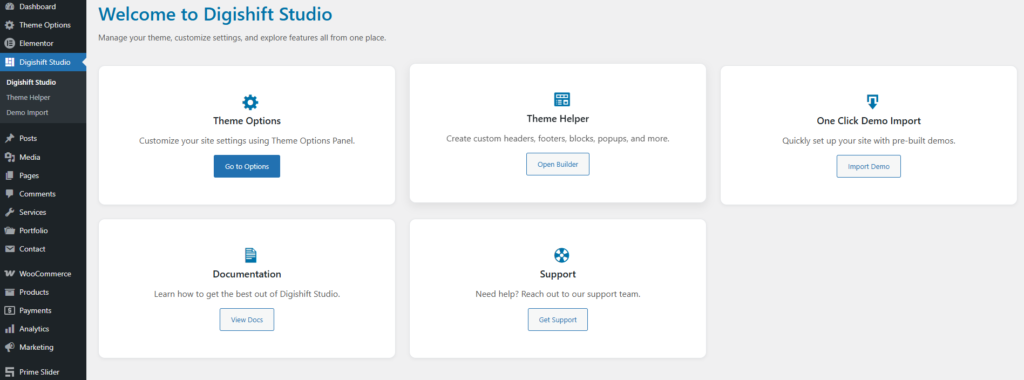
- Theme Options: The primary control panel for customizing global site settings. By clicking Go to Options, you can access deep-level styling and functional configurations for your entire website.
- Theme Helper: A dedicated tool for building custom structural elements of your website. Use the Open Builder to design and manage custom headers, footers, reusable blocks, and interactive popups with ease. To learn how to master the Theme Builder, [Click Here] to read the full documentation.
- One Click Demo Import: Designed for rapid deployment, this module allows you to quickly set up your site by importing pre-built professional demos with a single click. [Click Here] to read the full documentation.
- Documentation: Provides a direct link to comprehensive user guides and manuals. Use this section to learn how to maximize the potential of the Digishift Studio features.
- Support: A direct gateway to the technical support team. If you encounter issues or need expert assistance, the Get Support button connects you with help.


