
The Sidebars feature provides dedicated widget areas that can be assigned to different parts of your website. Using the Page Template, you can precisely control where these sidebars appear on a page-by-page basis.
Available Areas #
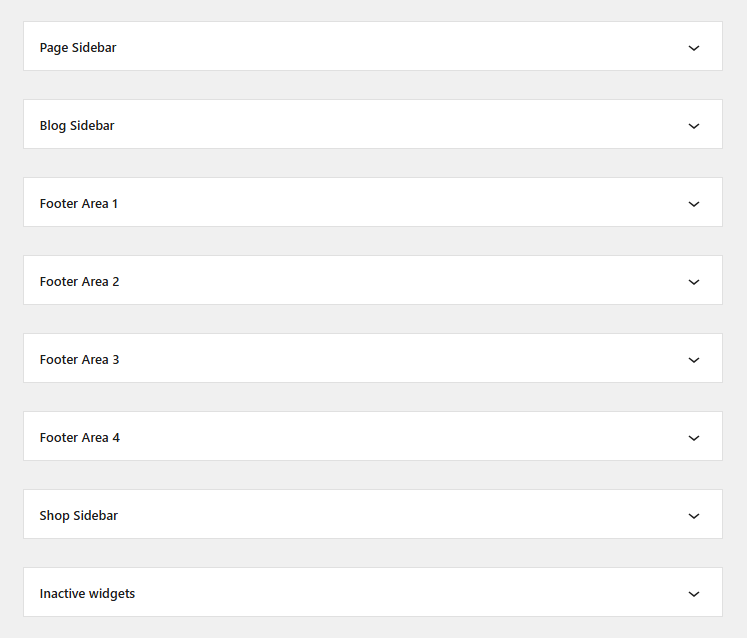
Below are the pre-defined widget areas available in your theme:
- Page Sidebar
- Blog Sidebar
- Footer Area 1
- Footer Area 2
- Footer Area 3
- Footer Area 4
- Shop Sidebar
Assigning Sidebars to a Page #
Standard Elementor templates often disable sidebars. To display a sidebar, you must use the Page Template:
- Template Selection: In the WordPress Page editor, set the Template dropdown to Page Template.
- Sidebar Meta Box: Scroll down to the Page Template Options section.
- Layout Choice: Locate the Page Sidebar setting and select your preferred layout:
- Right Sidebar: Displays the sidebar on the right side of the content.
- Left Sidebar: Displays the sidebar on the left side of the content.
- No Sidebar: Stretches the content area to full width.


